 9074463f4e
DKEK is protected in the device with a derived key from the PIN number. Unfortunately, SCS3 does not support the combination of PKA and PIN but OpenSC does. This is explained here.

Signed-off-by: Pol Henarejos <pol.henarejos@cttc.es>
5.1 KiB
Public Key Authentication
Public Key Authentication (PKA) is a mechanism to authenticate a legit user without introducing any PIN. The authentication is performed by signing a challenge and checking the signature result.
- A Pico HSM #A contains a private key, whose public key will be used for authentication.
- The public key of #A is registered into a second Pico HSM #B.
- When a user wants to login into #B, #B generates a challenge that is passed to #A for signature.
- #A signs the challenge and returns the signature.
- #B verifies the signature against the challenge with the public key of #A, previously registered.
- If the signature is valid, #B grants access to the user.
This mechanism has no retry counter or PIN throttling, as no PIN is set up on the device.
To enable PKA, the device must be initialized beforehand. In case the device has secret/private keys, all shall be exported and reimported when the set up is finished.
Requirements
To take advantage of PKA, the following is required:
- Two Pico HSM: one will be used only for authentication (it can be any device able to generate a private key and sign arbitrary data).
- SCS3 tool to authenticate the user. At this time, OpenSC does not support PKA, only initialization.
- A secret key of ECC 256 bits.
Usage
Before using SCS3, it must be patched scs3.patch.txt. See SCS3 for further details.
Generate the authentication key
On a secondary device, generate a private key, on the ECC 256 bits (brainpoolP256r1 or secp192r1). Label it with an easy name, such as "Authentication".
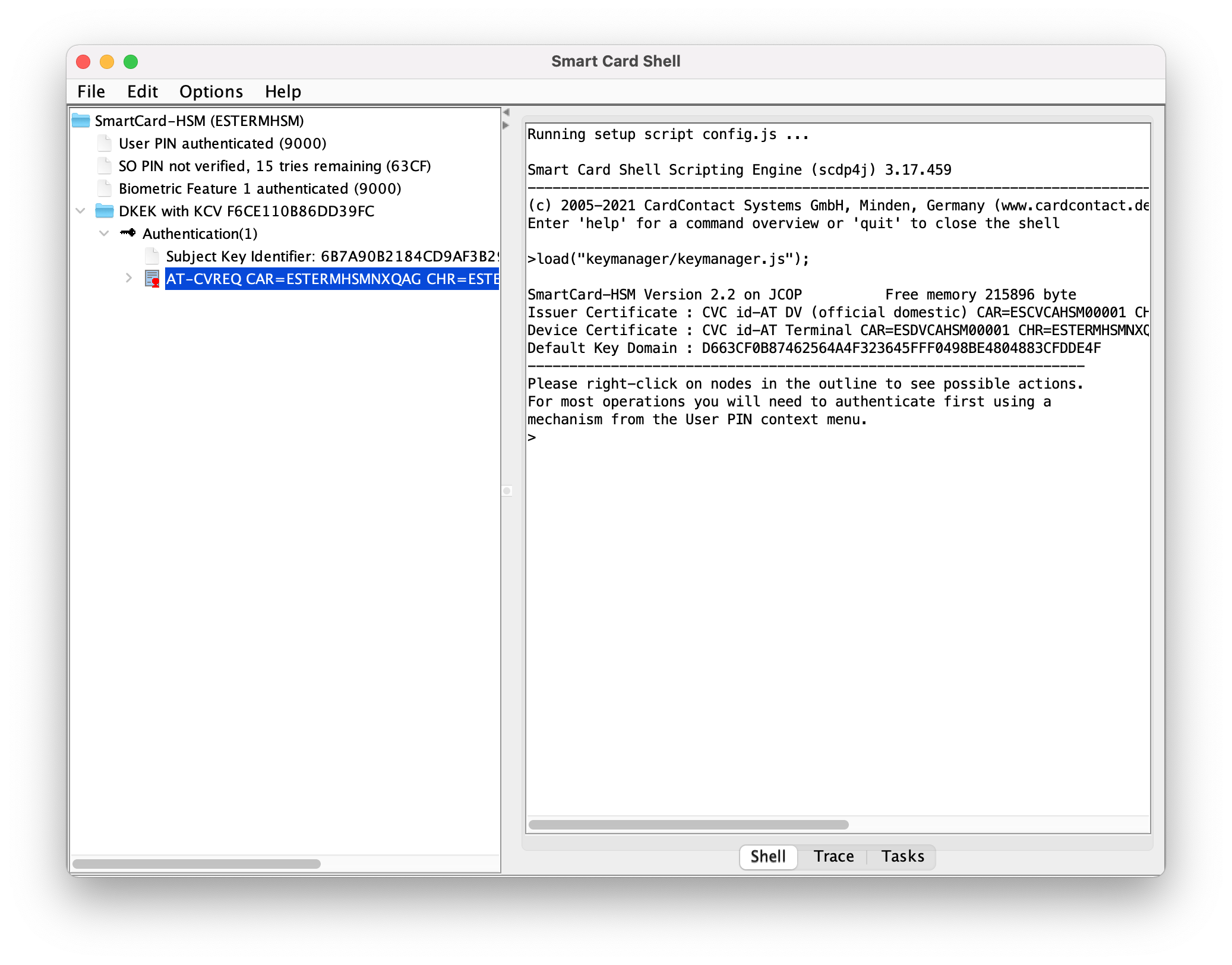
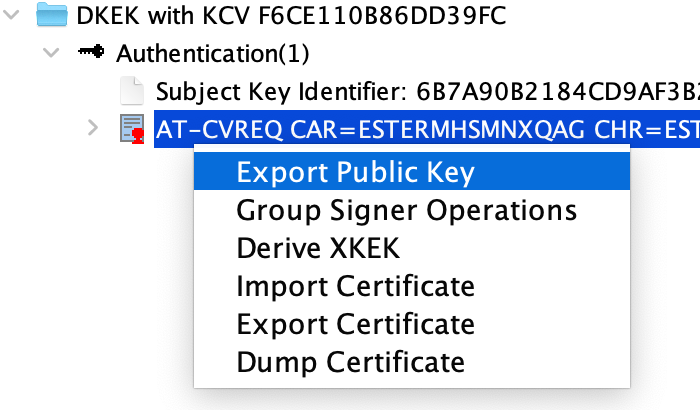
Once finished, export the public key.
Initialization
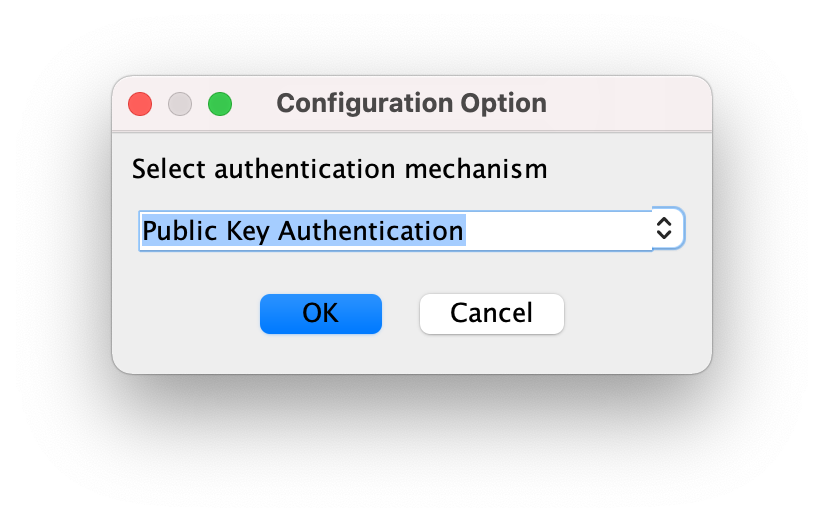
On the primary device, initialize it. When prompting for an authentication mechanism, select "Public Key Authentication".
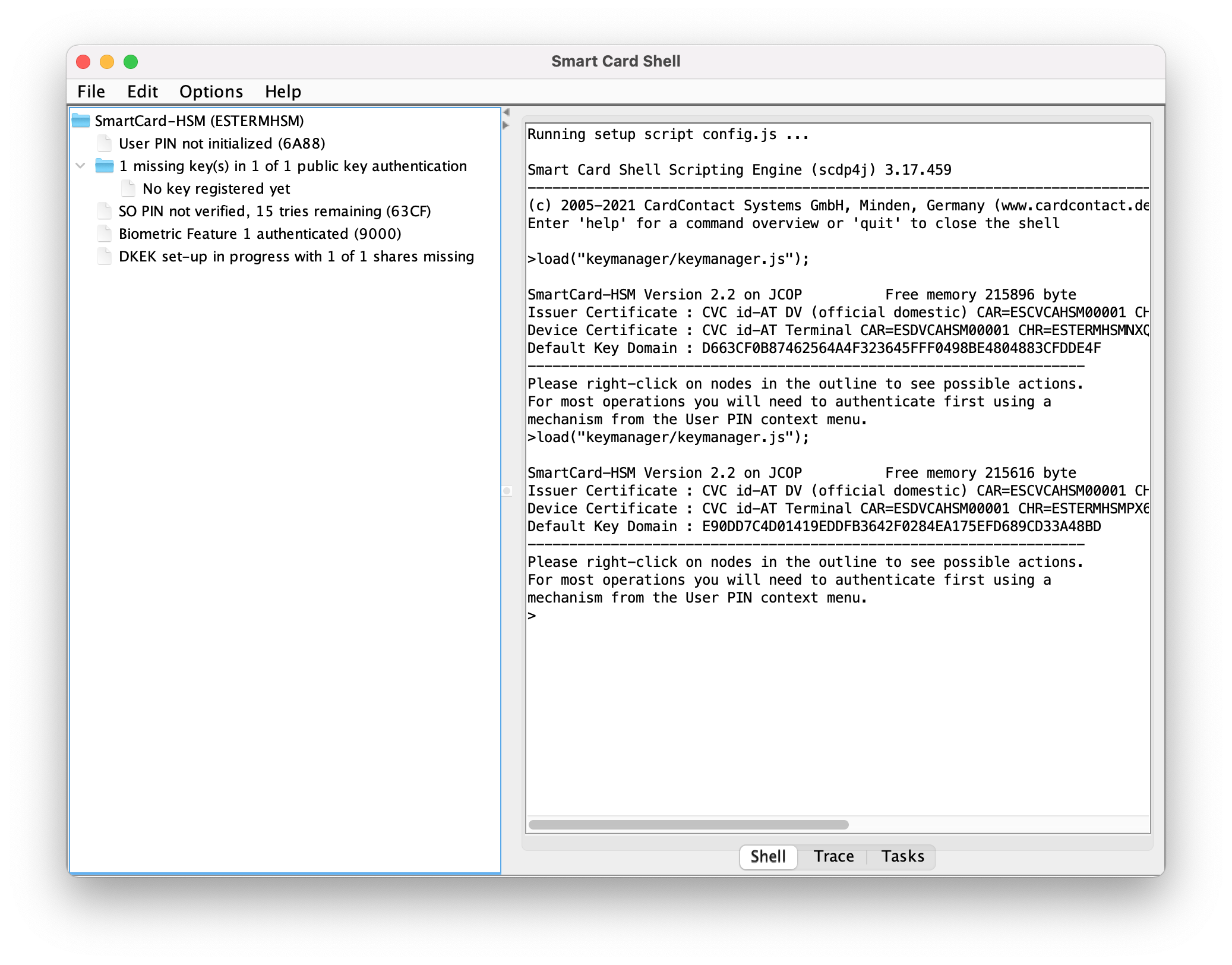
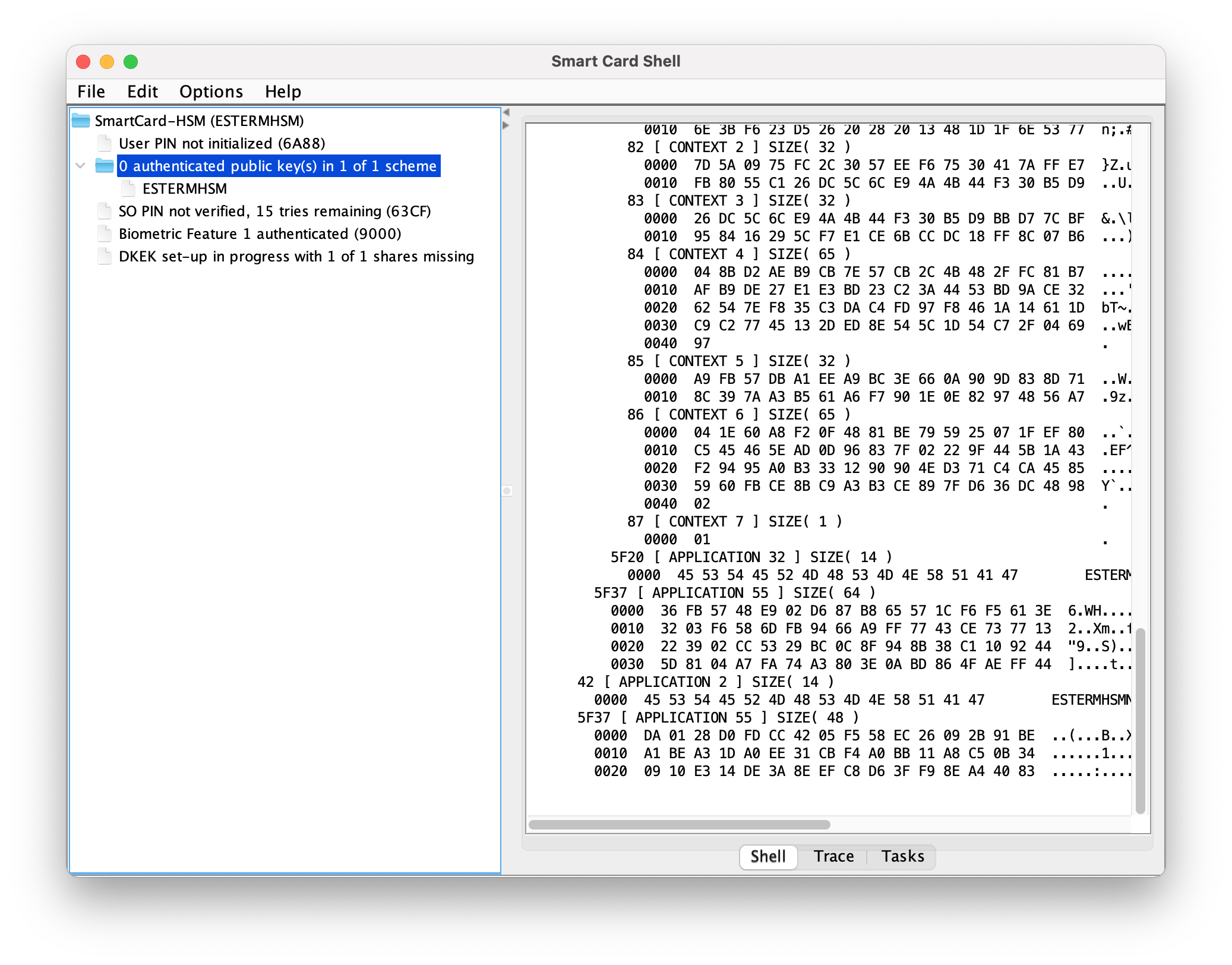
Once finished, register the exported public key. A message of 0 authenticated public key(s) in 1 of 1 scheme will appear if it is properly registered.

Authentication
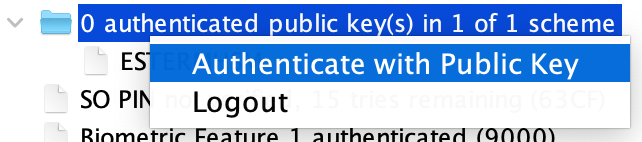
Plug the secondary device that stores the private key (do not load the device in the SCS3 tool) and initiate the public key authentication.
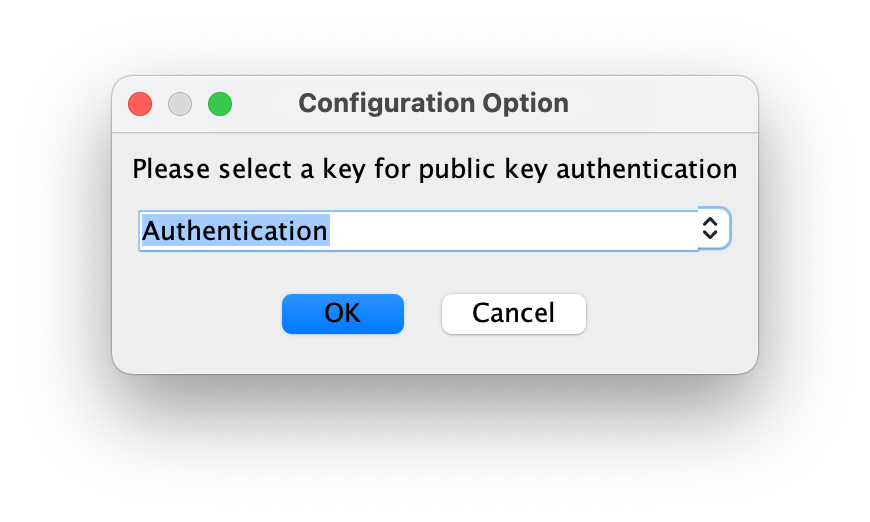
Select the secondary card and the Authentication private key (or the name you labeled it).
Introduce the PIN of the secondary device.
If the private key matches with the registered public key, the primary device will grant access and it will display User PIN authenticated (9000) (despite no PIN is provided).
From now on, you have full access and can operate normally with the primary device.
Notes on DKEK
Pico HSM uses the PIN to protect the DKEK, which is lately used to protect private/secret keys and wrap/unwrap. However, when PKA is enabled, the authentication is not performed by introducing any PIN. Authenticated privileges are granted when PKA succeeds, regardless of PIN, which is optional.
Nevertheless, it is extremely recommended to combine PKA with PIN. Note that when combined, only PKA grants authenticated privileges. Therefore, if both schemes are setup, it is necessary to unlock the DKEK with PIN verification. Otherwise, it will not be possible to operate with private/secret keys despite the user will be logged in.
Unfortunately, SCS3 does not supports the combination of both schemes during the initialization. Fortunately, OpenSC does.
To initialize the device with PKA and PIN use the following command (or similar), which accepts the use of PIN parameter and PKA configuration:
sc-hsm-tool -X --so-pin 1234567890123456 --pin 648219 -K 1 -n 1 -s 1
where PKA and PIN are enabled, jointly with DKEK protection.
Therefore, with this scheme, multiple custodians may authenticate the device individually and, when fully authenticated, the master user can unlock the DKEK with the PIN.
With this approach the device is kept safe and neither the DKEK nor the private/secret keys are stored in plain text in the device. Even though the flash memory is dumped by an attacker, it will not be possible to decipher any sensitive data or key.